Fire Integration with Kinesis
This document described Fire integration with Kinesis. Fire uses Apache Spark Structured Streaming Connector from Qubole.
https://github.com/qubole/kinesis-sql
Install AWS CLI
Install AWS CLI:
https://docs.aws.amazon.com/cli/latest/userguide/cli-chap-install.html
Create an access key and secret key
Create an access key and secret key for the user (https://docs.aws.amazon.com/IAM/latest/UserGuide/id_credentials_access-keys.html#Using_CreateAccessKey).
Note It’s important to regularly rotate your access and secret keys. See this documentation for more information (https://docs.aws.amazon.com/IAM/latest/UserGuide/id_credentials_access-keys.html#rotating_access_keys_console)
Configure AWS CLI
Configure AWS CLI:
https://docs.aws.amazon.com/cli/latest/userguide/cli-chap-configure.html
aws configure region: us-east-1 aws_access_key_id = accesskeyid aws_secret_access_key = awssecretaccesskey
Create AWS Kinesis Stream
Create AWS Kinesis Stream:
aws kinesis create-stream --stream-name sparkflows_kinesis_test --shard-count 1
Send message to AWS Kinesis from AWS CLI
Sending message to Kinesis:
aws kinesis put-record --stream-name sparkflows_kinesis_test --data file://data.json --partition-key uuidgen
Update EMR_EC2_Default_Role
Update EMR_EC2_DefaultRole with AmazonKinesisFullAccess Policy so that our EMR Cluster would have full access to Kinesis.
Or Create an IAM policy for accessing Amazon Kinesis
Create an IAM policy that defines what this user has access to in your AWS account. It’s important to only grant this user minimal access within your account. See this documentation for how to create IAM policies (https://docs.aws.amazon.com/IAM/latest/UserGuide/access_policies_create.html).
Create EMR Cluster with the above Role
When we create the EMR Cluster with the above Role, it would have full access to Amazon Kinesis.
Pushing data to Kinesis
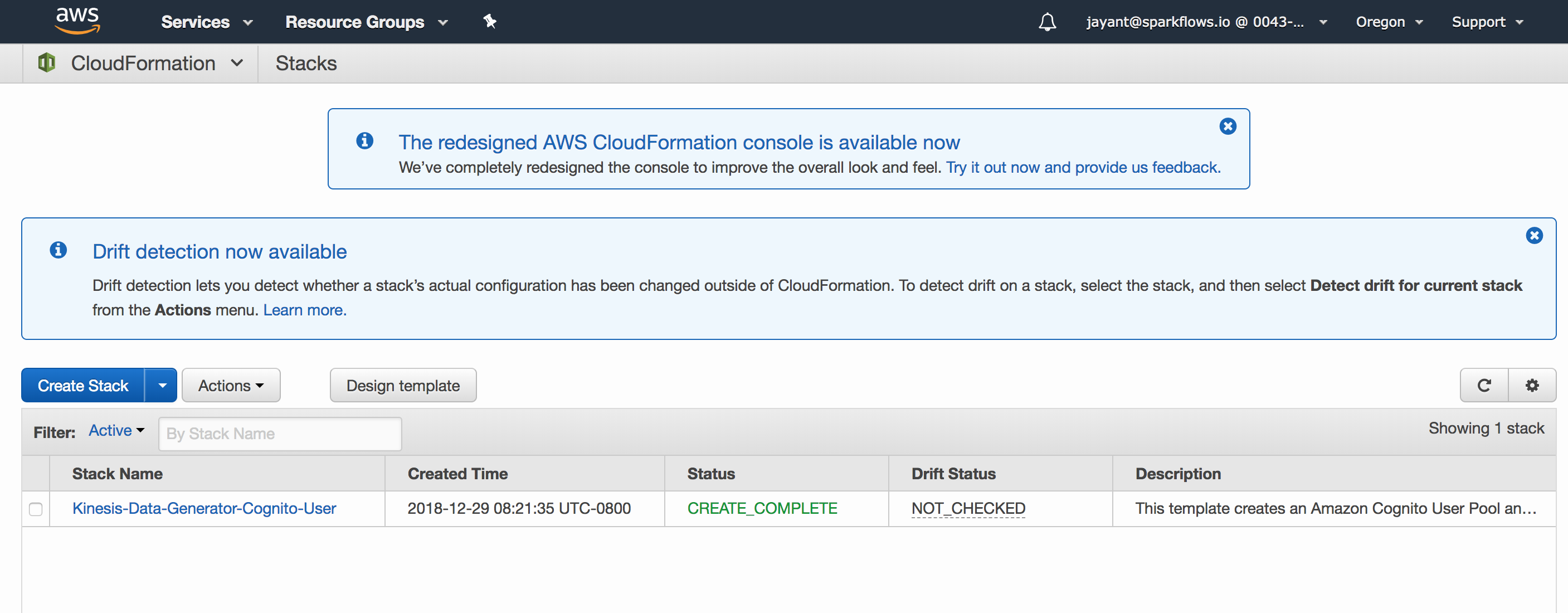
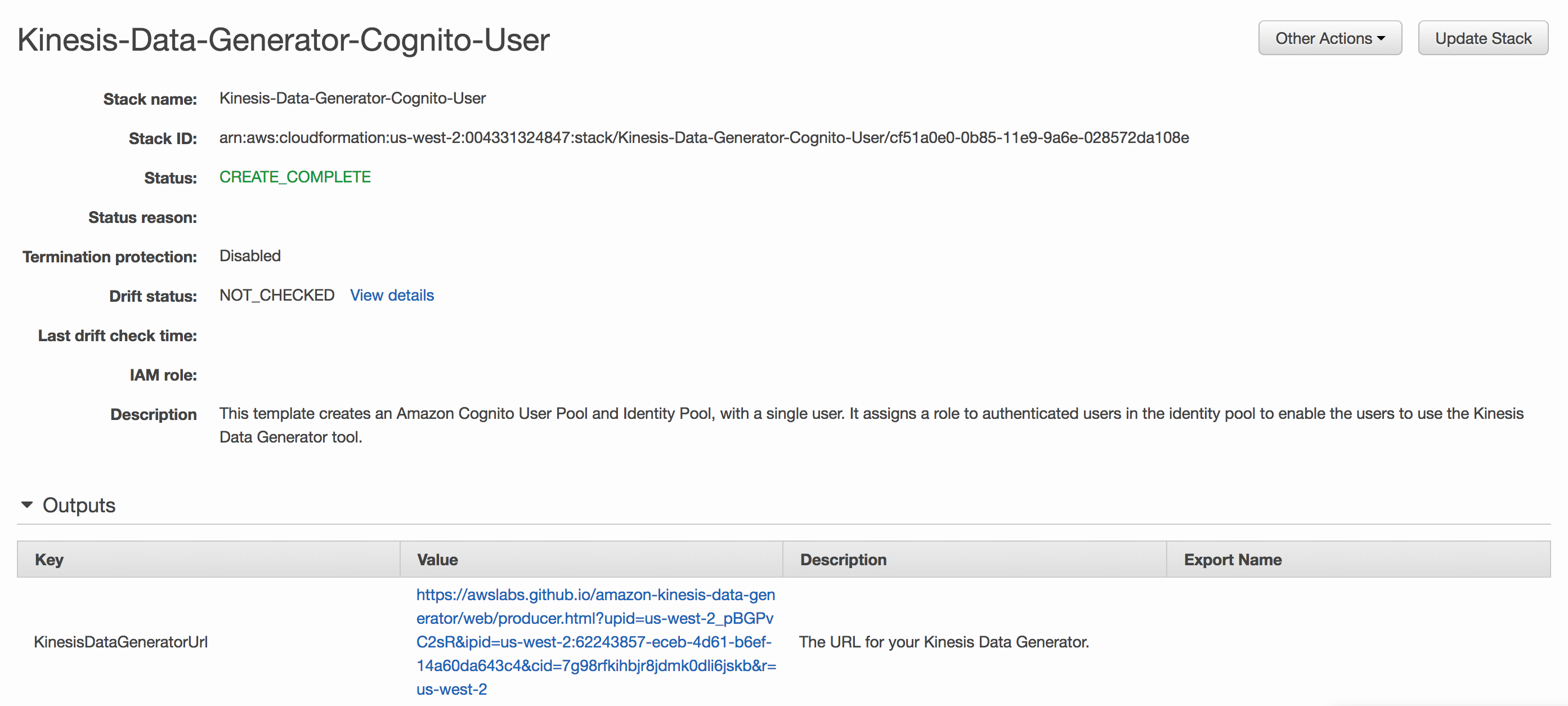
AWS provides a Kinesis Data Generator. It can be configured for pushing random data in specified format to Kinesis.
https://awslabs.github.io/amazon-kinesis-data-generator/web/help.html
Kinesis Workflow in Fire
Workflows can be easily built in Fire which read data from Kinesis, process them and save the results where needed.
REFERENCE : Creating Access Key & Secret Key
- You’ll need create a user with programmatic access by following the steps here (https://docs.aws.amazon.com/IAM/latest/UserGuide/id_users_create.html).
- Next, you’ll create an IAM policy that defines what this user has access to in your AWS account. It’s important to only grant this user minimal access within your account. See this documentation for how to create IAM policies (https://docs.aws.amazon.com/IAM/latest/UserGuide/access_policies_create.html).
- Finally, you’ll create an access key and secret key for this user (https://docs.aws.amazon.com/IAM/latest/UserGuide/id_credentials_access-keys.html#Using_CreateAccessKey).
Note It’s important to regularly rotate your access and secret keys. See this documentation for more information (https://docs.aws.amazon.com/IAM/latest/UserGuide/id_credentials_access-keys.html#rotating_access_keys_console)