Python Installation on Ubuntu
Python is only needed if you need to use Python and the PySpark engine in Fire Insights. Python modules in Fire Insights use Python 3.7+.
Install Python 3.7 (if not installed)
Some References for Installing Python:
Prerequisites
update the packages list and install the packages necessary to build Python source:
sudo apt update

Install needed dependency:
sudo apt install build-essential zlib1g-dev libncurses5-dev libgdbm-dev libnss3-dev libssl-dev libsqlite3-dev libreadline-dev libffi-dev wget libbz2-dev``

Download and extract the downloaded package
- Download python from below Link
Download and untar:
wget https://www.python.org/ftp/python/3.7.0/Python-3.7.0.tgz
tar xzf Python-3.7.0.tgz

Next, navigate to the Python source directory and run the configure script which will perform a number of checks to make sure all of the dependencies on your system are present:
cd Python-3.7.0

Build & compile:
./configure --enable-optimizations

Install the Python binaries by running the following command:
make altinstall
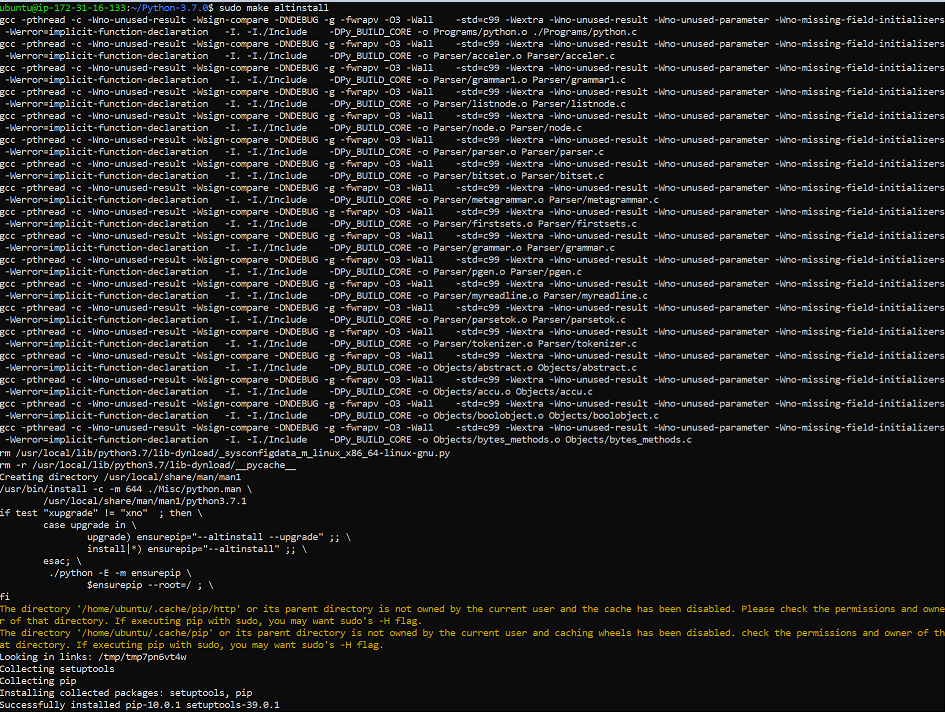
Note: Do not use the standard make install as it will overwrite the default system python3 binary.
Verify it by typing:
python3.7 –-version

Create Python virtual environment & Activate it
Create Python virtual environment & Activate it:
python3.7 -m venv venv
source venv/bin/activate
python --version


Install dependency for fbprophet package (Ubuntu 18.04)
pystan dependency:
pip install pystan

convertdate dependency:
pip install convertdate

fbprophet dependency:
pip install fbprophet

Check pip list:
pip list

Install Other Packages
Install the required packages:
cd fire-x.y.x/dist/fire
pip install -r requirements.txt
requirements.txt file is available in the installation directory of fire insights:
fire-x.y.x/dist/fire/requirements.txt
Delete a venv
To delete a virtual environment, follow below steps:
source venv/bin/activate
pip freeze > requirements.txt
pip uninstall -r requirements.txt -y
deactivate
rm -r venv/